
Blog
Disaster Recovery Solutions – Top 5 Types


In today’s hyper-digital age, data is the most important part of any organization; it’s what keeps an organization running. A disaster (such as a cyber attack, failure of a piece of equipment, human error, or an external event such as fire or flood) can cause an organization to become completely inactive, which will lead to huge losses in terms of money and reputation.
Having a basic backup plan is not enough anymore; companies need to implement a fully developed Disaster Recovery Solutions (DRS) that ensures not only data recovery, but also fast recovery of their operations after an outage. This means minimizing two of the most important metrics that the organization must monitor when evaluating a DRS –
Recovery Point Objective (RPO) – The maximum amount of time in between backups that an organization is willing to lose records.
Recovery Time Objective (RTO) – The maximum time that an organization is willing to be offline before it resumes business operations.
To assist you in getting the tightest RPO and RTO for your company, we break down the top 5 types of disaster recovery solutions available, guiding you from the common safety to enterprise-grade flexibility. These solutions are usually given through professional services from reliable partners, such as Bluechip Abu Dhabi.
Types of Disaster Recovery Solutions
1. Traditional Tape or Disk Backup (The Foundation)
The simple but most important way to protect your organization is to establish your first line of defense against data loss by implementing a backup and restore solution.
The simplest way to do this is to create a physical backup (magnetic tape or hard drive) of all of your critical data and store it offsite, typically in a safe deposit box or another location that is geographically separated from your primary business location.
How It Works
Backup – Create a copy of your data onto the physical media at regular intervals.
Recovery – If your primary location is affected by a disaster, retrieve the backup, bring it back to the replacement hardware, and restore the data from the physical media.
Pros and Cons
| Feature | Benefit (+) / Limitation (-) |
| Cost | + Lowest initial cost for hardware/media. |
| Air Gap | + Provides a physical “air gap” against ransomware and network-based threats. |
| RPO/RTO | – Very high RPO (data is only as fresh as the last backup) and very high RTO (manual retrieval and restoration takes hours or days). |
| Scalability | – Poor scalability; requires manual rotation and management. |
Best For – Archival data, regulatory adherence, long-term retention, or small companies with a very high tolerance for downtime.
2. Cloud Backup (BaaS – Backup as a Service)
Using a cloud backup system to replace the old way of doing backups is better because the cloud allows for very flexible and large amounts of storage space.
Data in your local physical tape or hard drive can now automatically be saved to a secure online location or somewhere in the cloud. This is commonly referred to as backup as a service (BaaS).
The way this works is
Back up – You have backup software that automatically backs up your data on a scheduled frequency (daily or hourly) and then encrypts it, transferring it to the cloud over the internet.
Recovery – In the event of a physical data loss at your location, you will be able to quickly recover all of your data from the cloud and restore it to your location. If your whole site were destroyed, you still have access to all your data in the cloud.
Pros and Cons
| Feature | Benefit (+) / Limitation (-) |
| Cost | + Low operational cost (pay-as-you-go storage model). |
| RPO | + Better RPO than tape/disk (can be near-daily or hourly). |
| Accessibility | + Data is accessible from anywhere with an internet connection. |
| RTO | – RTO depends on the size of your data and the speed of your internet connection; restoring terabytes of data can still take a long time. |
Best For – Most small and medium enterprises (SMEs) seek easy, automated data security and adherence.
3. Virtualized Disaster Recovery (Replication and Failover)
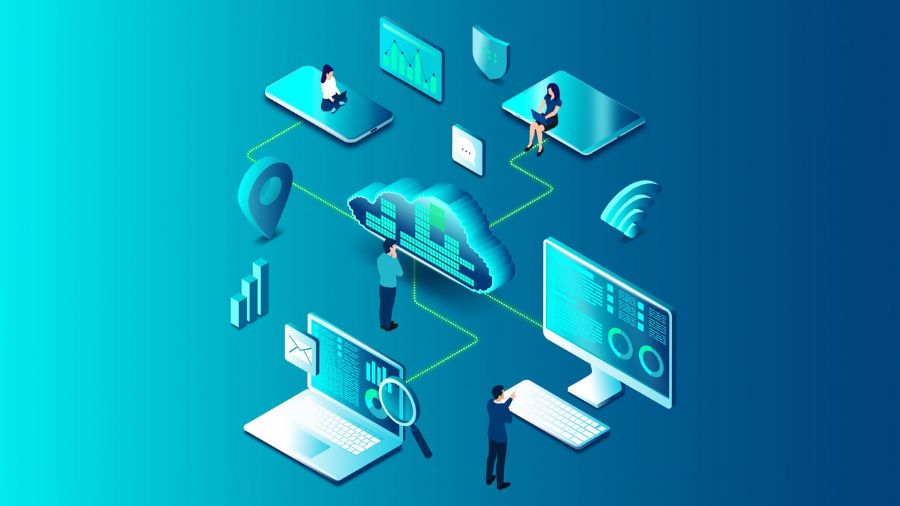
The criteria for true Disaster Recovery are system availability rather than just recovering data. This approach relies heavily upon dedicated software such as Veeam Backup & Disaster Recovery.
Virtualization technology allows servers to run as files known as Virtual Machines (VMs). Rather than only copying data, this also provides the ability to replicate the entire computing environment (VMs, Operating System, Applications, and Data) from the primary physical site to either a secondary physical site or the cloud.
How It Works –
Replication – a dedicated engine, such as Veeam, continuously replicates the primary VM to a warm instance, creating an instant backup (or replica).
Failover – If a disaster occurs at the primary work site, the information technology department quickly initiates the failover. The Veeam backup method automatically instructs the cold instance (i.e., the secondary replicated copy of the VM) to “boot” so it can immediately handle all computing needs normally processed by the primary VM.
Failback – Once the primary work-site has been made operable again, the system will automatically “fail back,” sending all new incoming data changes from the cold instance back to the original primary work site.
Pros and Cons
| Feature | Benefit (+) / Limitation (-) |
| RTO | + Extremely low RTO (measured in minutes), as the replica is always ready to run. |
| RPO | + Very low RPO (data is replicated continuously or every few minutes). |
| Cost | – Higher cost; requires secondary compute resources (hardware or cloud infrastructure) for the replicas to run on. |
| Testing | + Easy to test without disrupting the production environment. |
Best For – Companies with essential applications (e.g., core databases, ERP systems) that need minimal downtime.
4. Disaster Recovery as a Service (DRaaS)
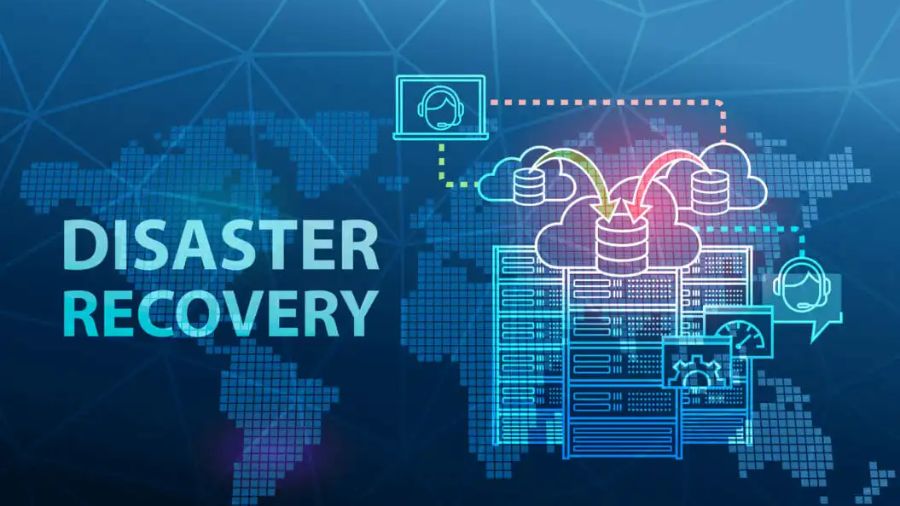
DRaaS is a full outsourcing of Type 3 Virtualized Disaster Recovery processes to third-party MSPs (Managed Service Providers), like Bluechip Abu Dhabi. MSPs are responsible for DRaaS’s infrastructure, software, and expertise to manage, monitor, and execute DR plans.
- Set up – MSP replicates your virtual machines (VMs) and data onto their secure cloud or data center.
- Monitoring – MSP continually monitors the replication to ensure the recovery environment is always available.
- Disaster Event – In the event of a disaster, the MSP completely manages the failover process by activating the replicated systems on the MSP’s Cloud Infrastructure.
Pros and Cons
| Feature | Benefit (+) / Limitation (-) |
| RTO/RPO | + Achieves the best RTO/RPO (near-instantaneous recovery) with guaranteed service levels. |
| Management | + Reduces the burden on internal IT staff; you gain access to expert knowledge and expensive tools for a fixed monthly fee. |
| Cost | + Predictable operating expense (OPEX) vs. unpredictable capital expense (CAPEX). |
| Control | – Less direct control over the physical recovery infrastructure. |
Best For – Associations that require enterprise-grade security but lack the in-house staff or capital to create and sustain a secondary DR site. Bluechip Abu Dhabi is an instance of a local provider that has expertise in providing these exhaustive, managed DRaaS solutions.
5. Multi-Site / Geo-Redundancy (Maximum Resilience)
This represents the highest level of disaster recovery solutions, often reserved for the largest enterprises or entities with zero tolerance for downtime.
This strategy involves maintaining two or more active data centers in geographically separated locations. Data is synchronized in real-time or near real-time across all sites, allowing one site to instantly take over the entire workload if the other fails.
How It Works
Active-Active or Active-Passive – In Active-Active setups, both sites handle traffic simultaneously. In Active-Passive, one site runs, and the other is a synchronized mirror.
Immediate Failover – If a regional disaster (like a major power grid failure or a natural disaster) affects the primary data center, traffic is instantly rerouted to the secondary site. Users rarely notice the switch.
Pros and Cons
| Feature | Benefit (+) / Limitation (-) |
| RTO/RPO | + Achieves near-zero RTO and RPO, providing true “always-on” business continuity. |
| Resilience | + Protects against regional disasters. |
| Cost | – Excessively high capital and functional costs, as it demands duplicating the whole IT infrastructure. |
Best For – Financial organizations, large e-commerce outlets, hospitals, and essential government services where seconds of downtime can be disastrous.
Knowing about these 5 types of Recovery Solutions for a Business should help you get past just doing a backup as a means to protect your business and instead, create a proactive approach to the survival and continuity of your business from any threat.
In addition, regardless of whether you select to build your own replica site or engage a trusted Partner such as Bluechip Abu Dhabi for buy-in to comprehensive Veeam backup & disaster recovery, a critical factor in this process is having a validated plan created prior to experiencing a disaster.